AI 앱을 검색해서 받다가 악성코드를 설치하는 일이 늘고 있습니다.

안랩 시큐리티 레터를 인용한 11일 보도입니다. 공식 홈페이지를 그대로 옮긴 것 같은 가짜 다운로드 사이트를 만들고, 유료 모델을 무료로 쓸 수 있는 것처럼 유인하는 방식입니다.

규모가 작지 않습니다. 카스퍼스키 집계로 올해 1월부터 5월 초까지 AI 서비스나 에이전트로 위장한 악성코드와 원치 않는 프로그램 관련 공격이 전 세계에서 9만2000건 넘게 탐지됐습니다.

■ 챗GPT 49%, 클로드·제미나이 각 18%

어느 서비스가 많이 사칭당했을까요? 챗GPT 사칭이 49%로 가장 많았고, 클로드와 제미나이가 각각 18%였습니다.

AI 서비스가 좋은 미끼가 되는 이유도 설명합니다. 새 모델과 기능, 데스크톱 앱과 개발 도구가 잇따라 나오면서 처음 접하는 프로그램을 직접 검색해 설치하는 경우가 많아졌기 때문입니다.

■ 대표 경로는 검색이다

유입 경로 1위는 검색입니다. 실제 서비스를 찾는 사람이 검색 결과나 광고를 통해 가짜 페이지로 들어가게 만듭니다.

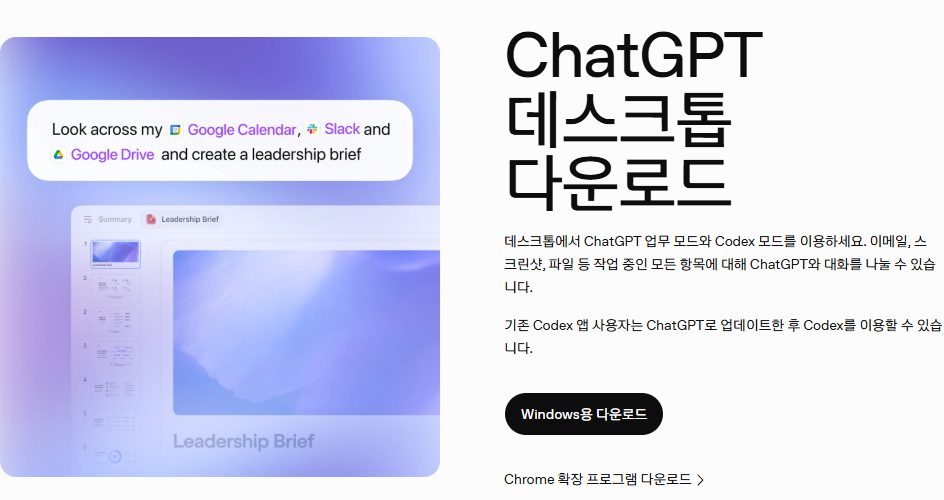
챗GPT 사칭 중 비중이 가장 컸던 openew[.]app 은 오픈AI 의 실제 다운로드 페이지와 비슷한 디자인과 브랜딩을 쓰고 윈도우·맥OS 버튼까지 갖췄습니다. 운영체제에 맞는 버튼을 고르면 정상 앱이 아니라 각각 다른 악성 파일이 받아졌습니다.

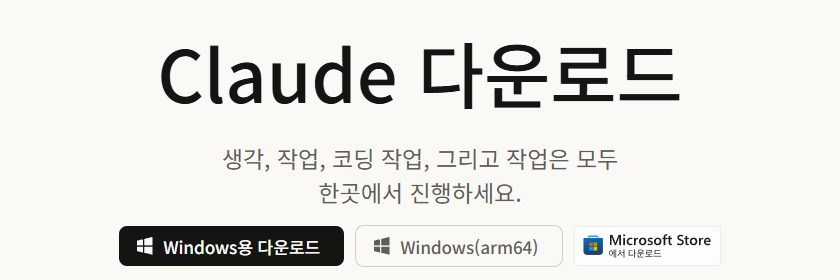
클로드 사칭에는 검색 광고가 쓰였습니다. claude app 이나 claude desktop 으로 검색하면 피싱 사이트가 최상단에 뜨고, 그 페이지도 공식 홈페이지처럼 정교하게 꾸며져 있었습니다.

여기서 수법이 한 단계 더 갑니다. 다운로드 버튼을 눌러도 설치 파일이 내려오지 않고, 특정 명령어를 복사해 실행하라는 팝업이 뜹니다. 시키는 대로 하면 악성코드가 설치됩니다. 정상 설치 절차처럼 꾸며 사용자가 직접 악성 명령을 실행하게 만드는 이 방식을 클릭픽스라고 부릅니다.

■ 깃허브도 안전지대가 아니다

개발자들이 도구를 찾는 깃허브도 유포 경로로 쓰입니다.

안랩은 지난 7월 제미나이와 클로드 코드, 코덱스, 그록 CLI 같은 AI 개발 도구를 사칭한 악성 ZIP 파일이 깃허브 저장소와 페이지를 통해 유포된 사례를 확인했다고 밝혔습니다.

공격자는 사람들이 검색할 법한 도구명으로 저장소와 소개 페이지를 미리 만들어 정상 프로젝트처럼 꾸민 뒤, 다운로드 링크를 악성 ZIP 으로 연결했습니다. 설치 방법을 담은 안내 페이지가 그럴듯해 보인다고 해서 안전한 프로그램이라고 생각해서는 안 된다는 것이 안랩 설명입니다.

■ 무엇을 노리나

심어진 악성코드의 목적은 기기에 저장된 자격증명과 민감 정보입니다.

클로드 무료 데스크톱 앱으로 위장한 RevStealer 는 브라우저 데이터와 세션 쿠키, 윈도우 자격 증명 관리자, 비밀번호 관리자, 가상자산 지갑, VPN 과 원격 접속 자격증명, 메시징 앱 데이터와 문서까지 수집할 수 있는 것으로 알려졌습니다.

가짜 챗GPT 사이트를 통해 맥OS 사용자에게 전달된 Odyssey Stealer 도 브라우저 비밀번호와 쿠키, 텔레그램 세션, 가상자산 지갑과 민감 파일을 노렸습니다.

■ 공식 경로는 여기다

그러면 어디서 받아야 할까요? 세 곳 공식 도움말이 밝힌 자리입니다.

  • 챗GPT 맥 — chatgpt.com/download 에서 받습니다. 페이지가 애플 실리콘인지 인텔인지 판별해 맞는 설치 파일을 줍니다
  • 챗GPT 윈도우 — 마이크로소프트 스토어에서 받습니다
  • 챗GPT 모바일 — 앱스토어나 플레이스토어에서 openai chatgpt 로 검색합니다
  • 클로드 데스크톱 — 클로드 다운로드 페이지에서 맥 또는 윈도우를 골라 받습니다
  • 클로드 모바일 — 앱스토어나 플레이스토어에서 Claude by Anthropic 으로 검색합니다
  • 제미나이 맥 — gemini.google/mac 으로 들어갑니다. 모바일은 구글 플레이 스토어입니다

오픈AI 도움말은 모바일 앱 항목에 경고 표시까지 달아 두었습니다. 오픈AI 가 게시한 앱인지 확인하고 받으라는 것이고, 공식이자 안전한 버전을 받기 위해서라고 이유도 적었습니다.

■ 받기 전에 볼 것

기사와 공식 문서를 겹쳐 놓으면 확인할 것이 정리됩니다.

  • 유료 모델을 무료로 준다고 하면 의심합니다. 안랩이 가장 앞에 둔 신호입니다
  • 검색 결과 맨 위가 광고인지 봅니다. 클로드 사칭은 검색 광고를 썼습니다
  • 다운로드 버튼을 눌렀는데 파일 대신 명령어를 복사해 실행하라고 하면 멈춥니다. 클릭픽스입니다
  • 깃허브라도 안내 페이지가 그럴듯하다는 이유만으로 믿지 않습니다
  • 모바일은 게시자 이름을 봅니다. 챗GPT 는 OpenAI, 클로드는 Claude by Anthropic 입니다

설치 요구사항을 미리 알아두는 것도 가짜를 가릴 단서가 됩니다. 챗GPT 맥 앱은 macOS 14 이상에 애플 실리콘이나 인텔 프로세서가 필요하고, 윈도우 앱은 Windows 10 버전 17763.0 이상입니다.

제미나이 맥 앱은 macOS 세쿼이아 15.0 이상에 램 8GB 이상, 설치 공간 200MB 이상이 필요합니다. 클로드는 iOS 18.0 이상, 안드로이드 8.0 오레오 이상에서 지원합니다.

검색 최상단과 그럴듯한 화면, 그리고 복사해 붙이라는 명령어. 이번 사례가 공통으로 보여준 세 장면.

Searching for an AI app and installing malware instead is becoming more common.

This comes from an 11 September report citing AhnLab's security letter. Attackers build fake download sites that look like the official homepage, luring people with the promise of paid models for free.

The scale is not small. Kaspersky counted more than 92,000 detections worldwide between January and early May of malware and unwanted programs disguised as AI services or agents.

ChatGPT 49%, Claude and Gemini 18% each

Which service was impersonated most? ChatGPT accounted for 49%, with Claude and Gemini at 18% each.

The report explains why AI services make good bait. New models, features, desktop apps and developer tools keep arriving, so people often search out and install a program they have never seen before.

The main route is search

Search is the leading entry point. People looking for the real service are led to a fake page through results or ads.

The largest ChatGPT impersonation, openew[.]app, copied the design and branding of OpenAI's real download page, down to Windows and macOS buttons. Choosing the button for your OS delivered a different malicious file rather than the app.

Claude impersonations used search advertising. Searching for claude app or claude desktop put a phishing site at the top of the results, with a page crafted to look like the official homepage.

The technique then goes a step further. Pressing download does not deliver an installer; a popup tells you to copy and run a particular command. Follow it and malware is installed. Dressing this up as a normal installation so the user runs the malicious command themselves is known as ClickFix.

GitHub is not a safe zone either

GitHub, where developers go looking for tools, is used as a distribution route too.

AhnLab said it confirmed cases in July of malicious ZIP files impersonating AI developer tools — Gemini, Claude Code, Codex, Grok CLI — distributed through GitHub repositories and pages.

Attackers created repositories and landing pages under tool names people would plausibly search for, dressed them up as legitimate projects, and pointed the download link at a malicious ZIP. A convincing README, AhnLab notes, is no reason to assume a program is safe.

What it is after

The malware that lands is after credentials and sensitive information stored on the device.

RevStealer, posing as a free Claude desktop app, is reported to be capable of collecting browser data and session cookies, Windows Credential Manager entries, password managers, crypto wallets, VPN and remote-access credentials, messaging app data and user documents.

Odyssey Stealer, delivered to macOS users through a fake ChatGPT site, likewise targeted browser passwords and cookies, Telegram sessions, crypto wallets and sensitive files.

Where the official downloads are

So where should you download from? These are the places the three help centres name.

  • ChatGPT on Mac — chatgpt.com/download, where the page detects Apple Silicon or Intel and serves the right installer
  • ChatGPT on Windows — the Microsoft Store
  • ChatGPT on mobile — search the App Store or Play Store for openai chatgpt
  • Claude Desktop — the Claude downloads page, choosing Mac or Windows
  • Claude on mobile — search for Claude by Anthropic
  • Gemini on Mac — gemini.google/mac; on mobile, the Google Play Store

OpenAI's help centre puts a warning marker on the mobile entries: make sure the app you are downloading is the one published by OpenAI, so you get the official and secure version.

What to check before you install

Lay the report and the official docs side by side and a checklist falls out.

  • Be suspicious of anything offering a paid model for free — the signal AhnLab put first
  • Look at whether the top search result is an ad. The Claude impersonations used search ads
  • If pressing download gives you a command to copy and run rather than a file, stop. That is ClickFix
  • On GitHub, a convincing landing page is not a reason to trust it
  • On mobile, read the publisher name: OpenAI for ChatGPT, Claude by Anthropic for Claude

Knowing the system requirements in advance also helps spot a fake. The ChatGPT Mac app needs macOS 14 or later on Apple Silicon or Intel, and the Windows app needs Windows 10 version 17763.0 or higher.

The Gemini Mac app needs macOS Sequoia 15.0 or later with at least 8GB of RAM and 200MB of disk space. Claude supports iOS 18.0 and above and Android 8.0 Oreo and above.

The top search result, a convincing page, and a command to copy and paste. Three scenes these cases had in common.