AI 가 나에 대해 기억한 것을 끄거나 지우는 방법은 세 서비스가 서로 다릅니다.
설정이 있는 자리도, 지우는 방식도 갈립니다. 공식 도움말을 나란히 놓고 정리했습니다.
공통점이 하나 있습니다. 세 곳 모두 한 번에 깨끗이 지워지지 않는 구석을 스스로 밝혀 두었습니다.
■ 챗GPT — 요약을 직접 고친다
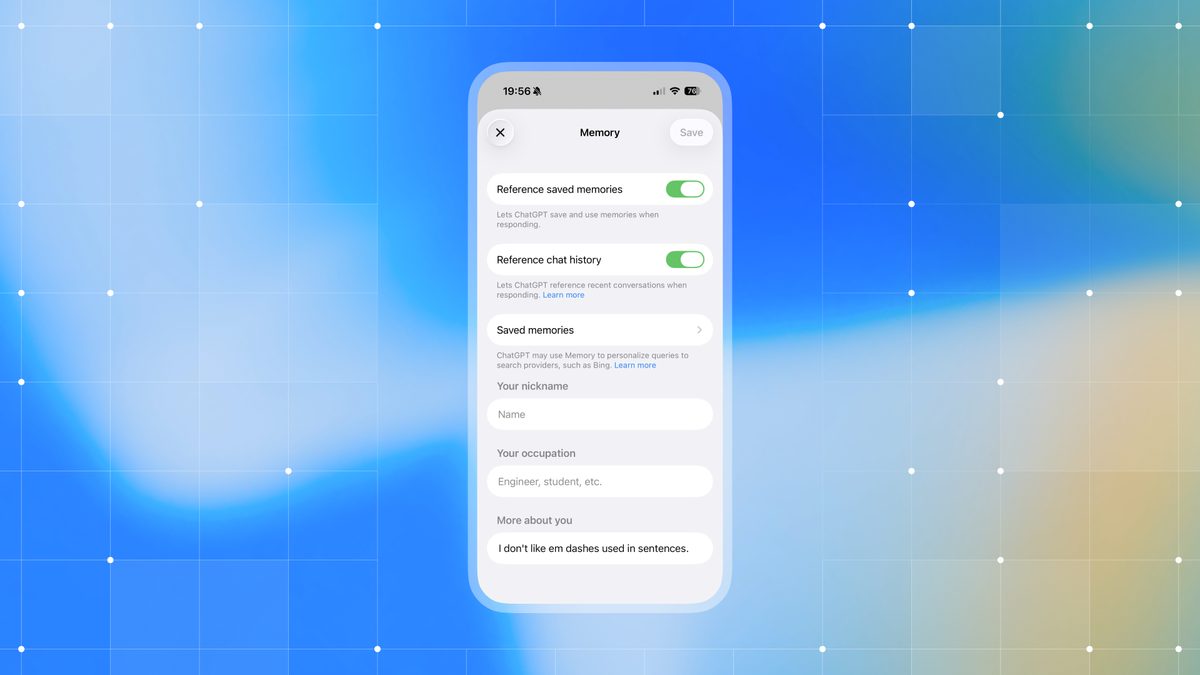
메모리 설정은 설정에서 개인 맞춤설정, 그 안의 메모리에 있습니다. 언제든 켜고 끌 수 있습니다.
특이한 점은 기억한 내용을 사람이 직접 볼 수 있다는 것입니다. 메모리 요약에 지금 기억하고 있는 내용이 나오고, 맨 위에 언제 갱신됐는지도 표시됩니다.
고치는 방법도 간단합니다. 요약 아래 입력창에 바꾸고 싶은 내용을 적으면 그대로 반영되고, 요약의 특정 문장을 선택해 고칠 수도 있습니다.
다만 요약이 전부는 아닙니다. 오픈AI 는 요약이 중요한 것을 담되 기억하는 모든 것을 포함하지는 않는다고 밝혔습니다. 궁금하면 대화창에서 직접 물어보라고 안내합니다.
답변이 왜 그렇게 나왔는지도 볼 수 있습니다. 답변 아래 책 모양 아이콘을 누르면 맞춤설정에 쓰인 출처가 나오고, 그중 메모리를 누르면 왜 쓰였는지 설명이 열립니다. 이 출처는 공유한 대화에는 들어가지 않습니다.
■ 지웠다고 끝이 아니다
여기서 가장 중요한 대목이 나옵니다. 오픈AI 는 어떤 정보를 완전히 지우려면 그것이 나타나는 모든 출처를 지워야 한다고 적었습니다.
과거 대화와 보관된 대화, 파일, 메모리 요약을 지우고, 그 정보가 들어 있을 수 있는 연결된 앱의 연결도 끊어야 합니다.
메모리를 끄는 것만으로도 충분하지 않습니다. 점 세 개 메뉴에서 메모리를 지우고 끄더라도 과거 대화는 남고, 나중에 다시 켜면 남아 있는 대화에서 새 메모리가 다시 만들어질 수 있습니다.
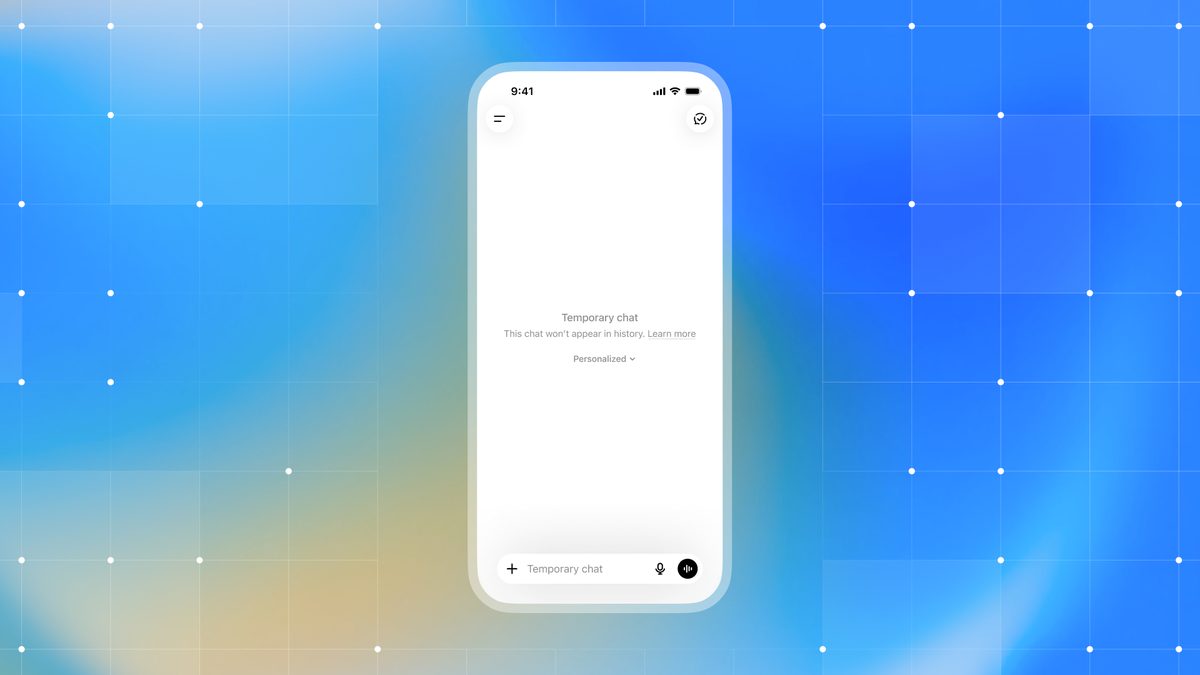
아예 남기지 않으려면 임시 채팅이 있습니다. 임시 채팅은 기존 메모리를 쓰지도 않고 새 메모리를 만들지도 않습니다.
메모리와 커스텀 인스트럭션은 다릅니다. 명시적으로 알려주고 싶은 것은 커스텀 인스트럭션, 대화에서 자연스럽게 나온 것은 메모리의 몫.
■ 클로드 — 유료만, 그리고 시크릿 채팅
클로드는 조건이 붙습니다. 과거 대화를 검색해 참조하는 기능은 프로와 맥스, 팀, 엔터프라이즈 같은 유료 플랜에서만 쓸 수 있습니다.
어떻게 작동할까요? 검색증강생성 방식이라, 클로드가 과거 대화를 뒤질 때 대화창에 도구 호출로 표시됩니다. 무엇을 근거로 삼았는지가 눈에 보인다는 뜻입니다.
범위도 정해져 있습니다. 프로젝트 밖의 모든 대화, 그리고 프로젝트 안에서는 그 프로젝트 대화로만 한정됩니다.
기능이 계정에 적용되면 기본값은 켜짐입니다. 끄려면 설정에서 메모리로 들어가 과거 대화 검색·참조 토글을 내리면 됩니다.
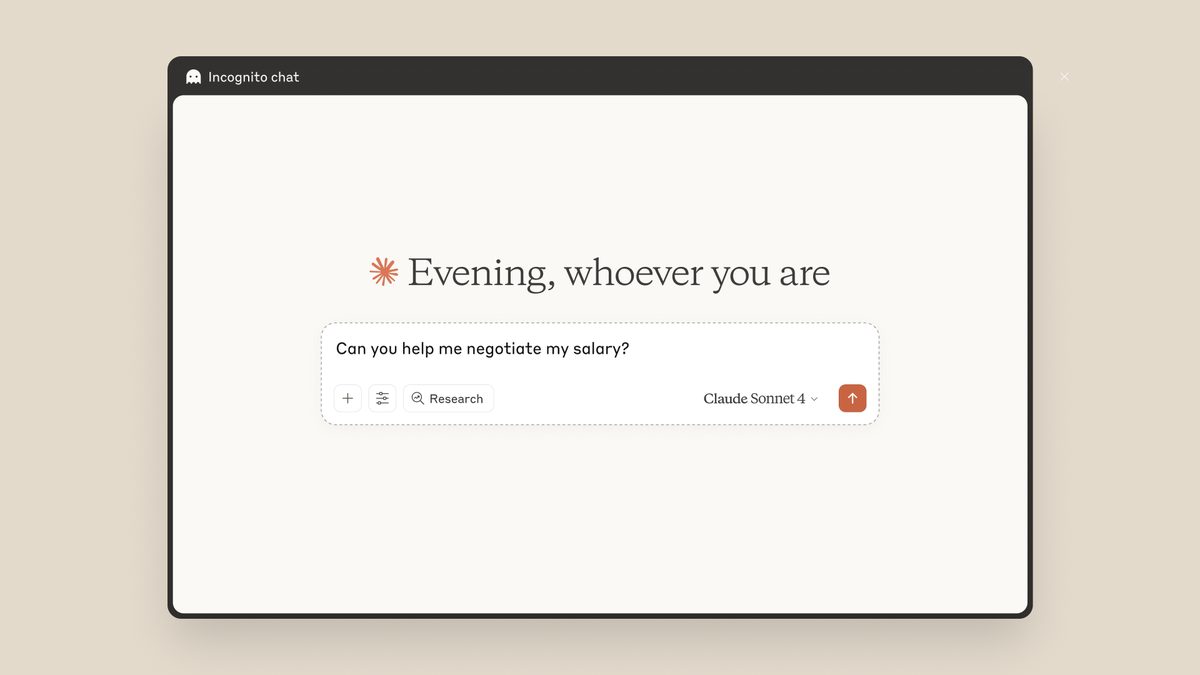
특정 대화만 빼고 싶다면 시크릿 채팅을 씁니다. 프로젝트 밖에서 새 대화를 시작하면 오른쪽 위에 유령 아이콘이 보이고, 이건 무료를 포함한 모든 요금제에서 쓸 수 있습니다.
기억시키는 쪽도 있습니다. 좌측 아래 이니셜을 눌러 설정으로 들어가면 클로드용 지시를 계정 전체에 걸어둘 수 있고, 프로젝트별 지시는 그 프로젝트 대화에만 적용됩니다. 프로젝트는 무료 계정도 쓸 수 있고 최대 다섯 개까지입니다.
■ 제미나이 — 조건이 셋
제미나이 메모리는 쓰기 전에 조건부터 봅니다. 만 18세 이상이어야 하고, 개인 구글 계정이어야 하며, 활동 기록 보관이 켜져 있어야 합니다.
직장이나 학교, 감독 대상 계정으로는 쓸 수 없습니다. 활동 기록 보관이 꺼져 있어도 쓸 수 없습니다.
설정 자리도 다릅니다. gemini.google.com 에서 아래쪽 설정 및 도움말을 열고 개인 인텔리전스로 들어가면 메모리를 켜고 끌 수 있습니다.
쓸 수 있는 곳도 한정됩니다. 모바일 앱과 웹, 크롬의 제미나이, 스마트워치에서만 되고 Gems 나 Live 대화에서는 쓸 수 없습니다.
제미나이가 과거 대화를 참고했는지 궁금하면 확인하는 방법이 재미있습니다. 대화창에서 이전 채팅의 정보를 사용했는지 그냥 물어보면 됩니다.
■ 세 곳 다 있는 함정
그러면 지우라고 하면 지워질까요? 여기가 세 곳이 공통으로 선을 그은 자리입니다.
제미나이는 특정 주제를 잊거나 피하라고 지시해도 항상 완벽하게 작동하지는 않는다고 못박았습니다. 주제를 언급하지 않게 하려면 그 주제가 담긴 채팅 자체를 지우라고 안내합니다.
지운 뒤에도 바로는 아닙니다. 채팅을 삭제해도 제미나이가 그 내용을 맞춤설정에 쓰지 않게 되기까지 약간의 지연이 생길 수 있다고 적었습니다.
챗GPT 는 앞서 본 대로 출처를 하나라도 남기면 지워지지 않고, 껐다 켜면 남은 대화에서 다시 만들어집니다.
지시로 잊게 하는 것과 자료를 지우는 것은 다릅니다. 세 곳 도움말이 공통으로 가리키는 것은 후자입니다.
설정 자리 세 곳, 지우는 방식 세 가지, 그리고 세 곳에 똑같이 붙은 단서.
Turning off or deleting what an AI remembers about you works differently in each service.
The setting sits in a different place, and deletion works in a different way. Here they are side by side, from the official help centres.
One thing is shared. All three state plainly that something does not get wiped in a single pass.
ChatGPT: edit the summary yourself
Memory controls live under Settings, then Personalization, then Memory. You can enable or disable it at any time.
What stands out is that you can read what it remembers. The memory summary shows the current contents, with a note at the top of when it was last updated.
Editing is simple. Type what you want changed into the box beneath the summary and it updates, or highlight a specific line to correct it.
The summary is not everything, though. OpenAI says it captures the most important details but will not include everything ChatGPT remembers. If you want to know, ask in the chat.
You can also see why an answer came out the way it did. The book icon below a response lists the sources used to personalise it, and tapping a memory opens an explanation of why it was used. Those sources are not included in chats you share.
Deleting is not the end of it
Here is the part that matters most. OpenAI writes that to fully delete something, you have to delete every source where it appears.
Past chats, archived chats, files and the memory summary, plus disconnecting any connected apps that may hold that information.
Turning memory off is not enough either. Delete and turn off memory from the three-dot menu does not delete past chats, and if you turn memory back on later, new memories may be created from the chats that remain.
To leave nothing at all, there are Temporary Chats. They do not use existing memories and do not create new ones.
Memory and Custom Instructions are separate. Explicit guidance goes in Custom Instructions; what surfaces in conversation is memory's job.
Claude: paid only, plus incognito
Claude attaches a condition. Searching and referencing past conversations is available only on paid plans — Pro, Max, Team and Enterprise.
How does it work? It uses retrieval-augmented generation, so when Claude searches your past chats it shows up as a tool call in the conversation. You can see what it drew on.
The scope is bounded: all chats outside projects, and within a project only that project's conversations.
Once the feature reaches your account it is enabled by default. To turn it off, go to Settings, then Memory, and switch off the toggle for searching and referencing chats.
To exclude a single conversation, use an incognito chat. Start a new chat outside a project and a ghost icon appears in the upper right — available on every plan, free included.
There is a way to make it remember too. Click your initials in the lower left, open Settings, and set account-wide instructions for Claude; project instructions apply only inside that project. Projects are open to free accounts, up to five.
Gemini: three conditions first
Gemini's memory starts with eligibility. You must be 18 or over, on a personal Google account, with activity keeping switched on.
Work, school and supervised accounts cannot use it. Neither can you with activity keeping off.
The setting sits elsewhere. On gemini.google.com, open settings and help at the bottom and go to personal intelligence to switch memory on or off.
Availability is limited as well: the mobile app, the web app, Gemini in Chrome and Gemini on a smartwatch — but not in Gems or Live conversations.
There is a neat way to check whether Gemini drew on an earlier chat. Just ask it, in the conversation, whether it used information from previous chats.
The catch all three share
So does telling it to forget actually work? This is where all three draw the same line.
Google states that instructing Gemini to forget or avoid a topic does not always work perfectly. To stop it coming up, delete the chats containing that topic.
Deletion is not instant either. Google notes there may be a slight delay before Gemini stops using a deleted chat to personalise responses.
ChatGPT, as above, does not forget if a single source remains, and can rebuild memories from what is left if you switch it back on.
Instructing it to forget and removing the material are different things. What all three help centres point at is the second.
Three places for the setting, three ways of deleting, one identical caveat.